Built for designers, photographers, decorators and color lovers
Turn any photo into a usable color palette
Pick a photo or camera image, extract its colors, inspect HEX, RGB, HSL and HSB values, then export palettes to the design tools and formats you already use.
Capture real-world color inspiration before it disappears.
 Color ViewfinderPhoto & Video
Features
Everything you need to get the result
View and copy HEX, RGB, HSL and HSB values
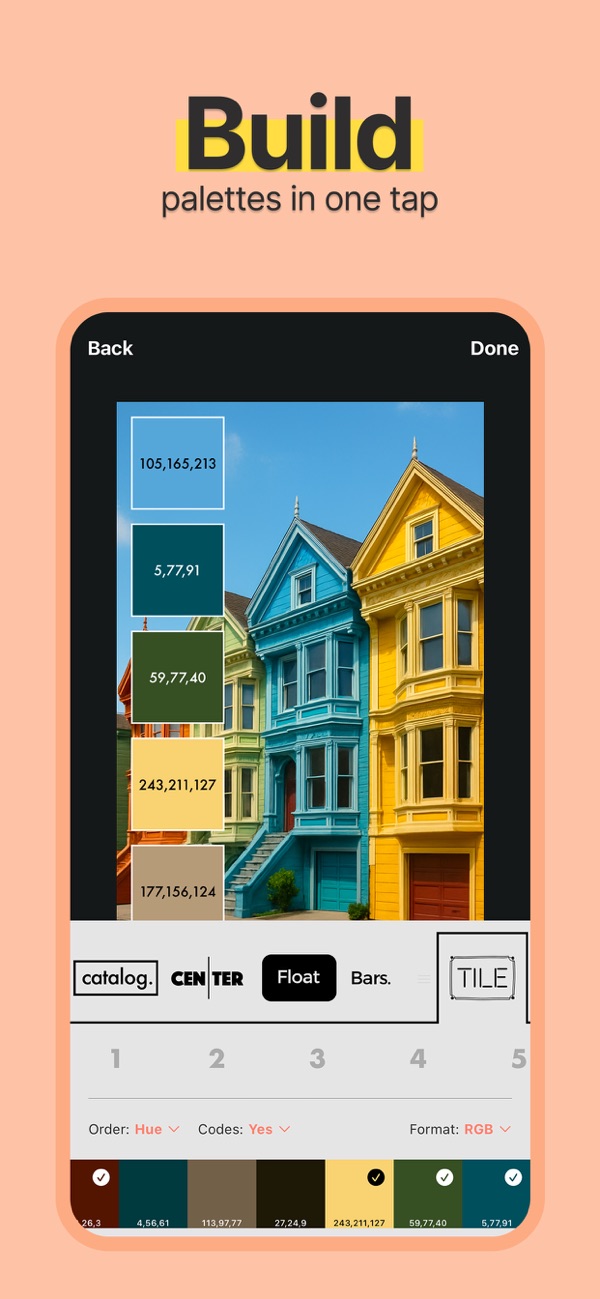
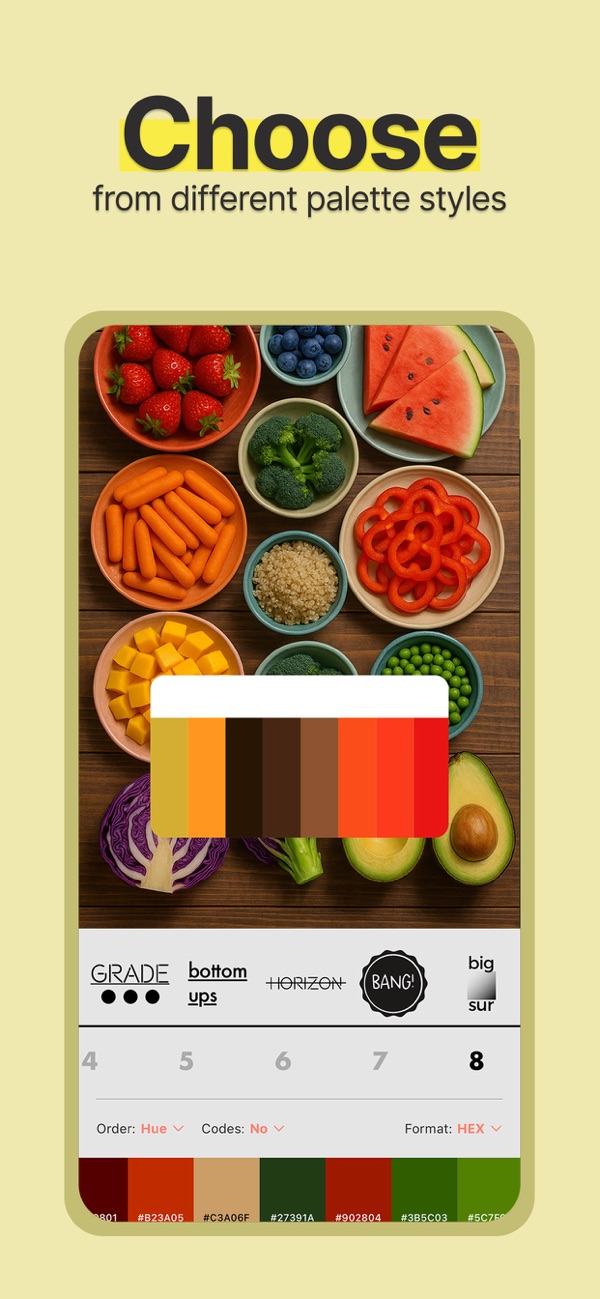
Explore multiple palette layouts
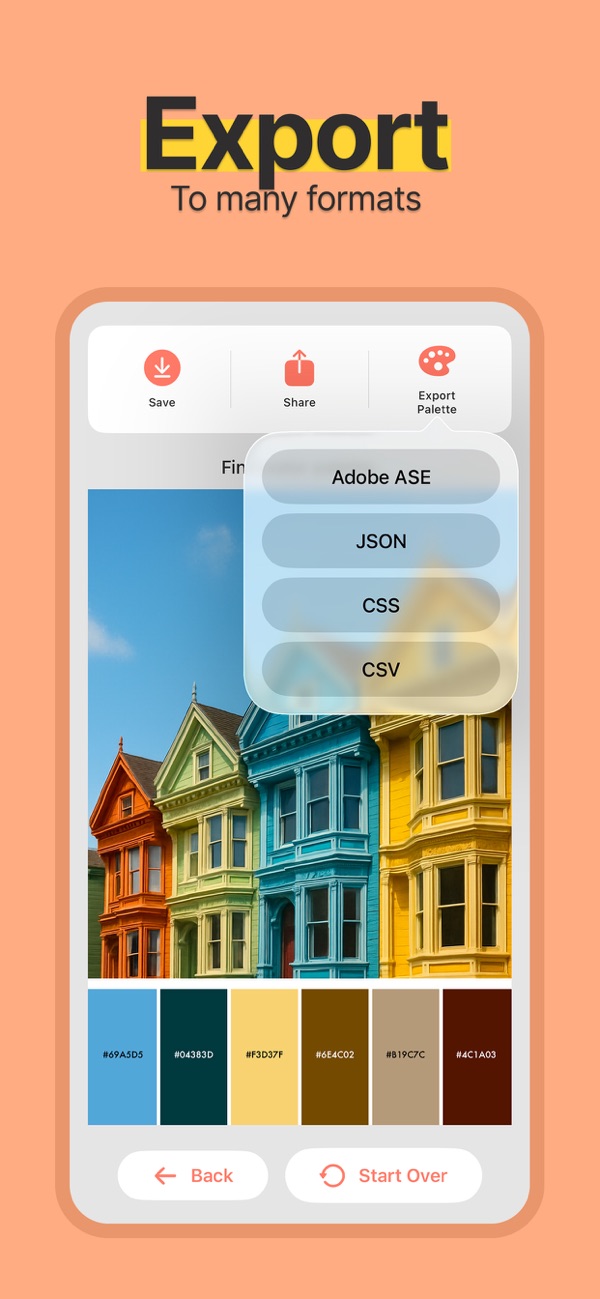
Export Adobe ASE, JSON, CSS and CSV
Turn a photo into a palette you can use
Choose a representative image, inspect its colours and check the palette in your design.
Choose a useful source photo
Use an image with the lighting and colour mood you want. Keep the original so you can trace changes.
Inspect and save colours
Extract a palette, review individual colours and copy the codes supported by Color Viewfinder.
Test the final use
Check contrast for text and backgrounds. Treat photographed colours as digital references, not exact physical paint or print matches.
App Store
See the app in action
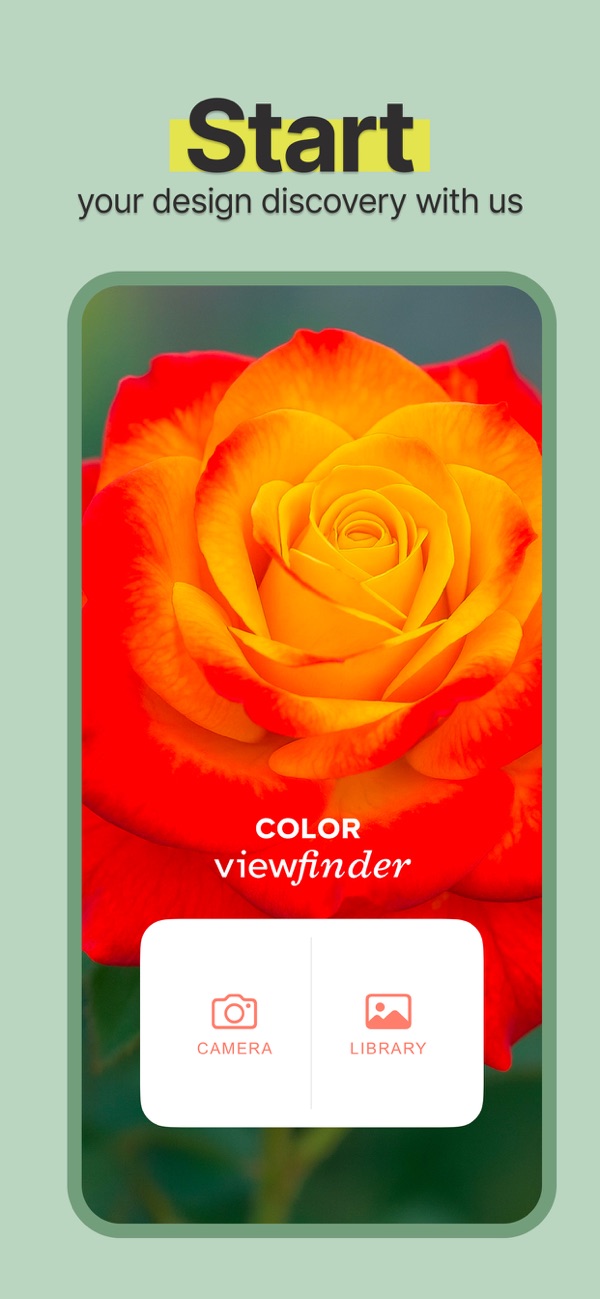
Current product screenshots from the App Store listing.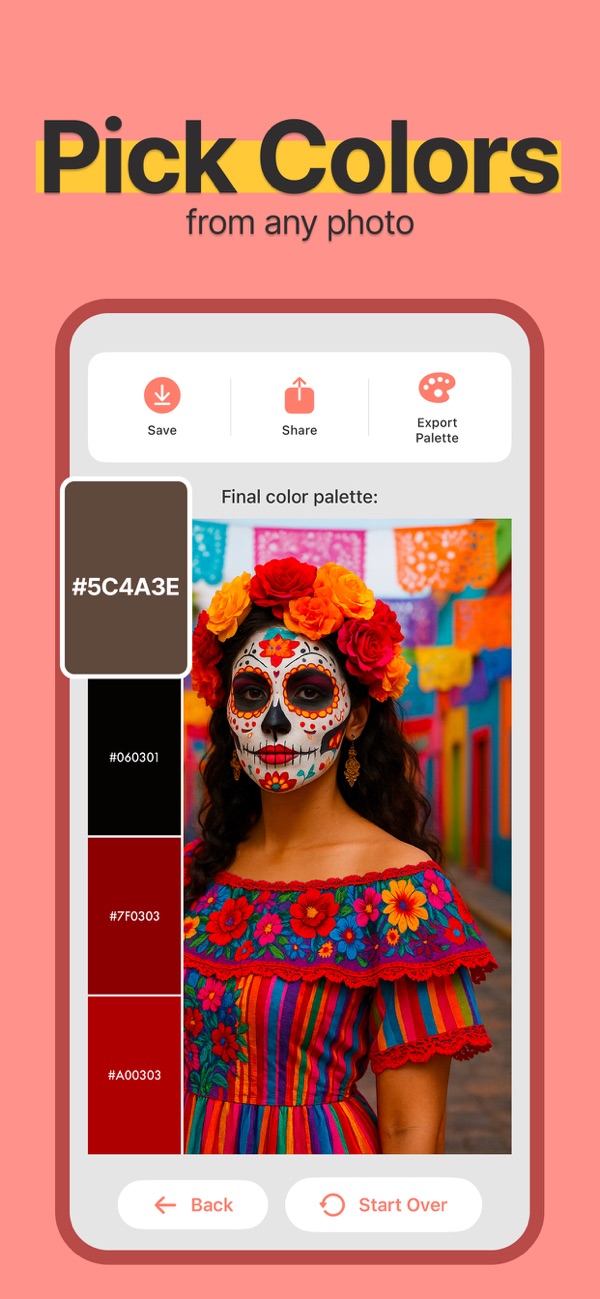
Practical guides
Practical guides
Practical instructions, examples and checks for your next project.Practical guide
How to create a useful color palette from a photo
Read guide →Practical guideHow to find a HEX color in a photo on iPhone
Read guide →Practical guideExtract colours from an image and review the palette
Read guide →Practical guideUse a photo palette to plan an interior colour direction
Read guide →Practical guideDevelop a brand colour direction from a photo
Read guide →Practical guideExport a colour palette and check it in your design tool
Read guide →FAQ
Frequently asked questions
Can I pick colors from a photo?
Yes. Choose an image or take a camera photo and extract its palette.
Which color codes are available?
Every color can be viewed in HEX, RGB, HSL and HSB.
Can I export palettes?
Yes. Export Adobe ASE, JSON, CSS or CSV files.
Can I save palettes?
Yes. Keep favorite palettes for future projects and sharing.
Ready to get started?
Try Color Viewfinder and turn the next task into a finished result.
Download on the App Store